Loading repository data…
luolingchun / repository
flask-openapi
A simple API framework based on Flask.
#flask#flask-openapi#flask-openapi3#openapi#openapi3#pydantic
Live repository statistics
★ 268Stars
⑂ 46Forks
◯ 6Open issues
◉ 268Watchers
80/100
OPENREPOHUB HEALTH SIGNAL
Strong signals
A transparent discovery signal based on current public GitHub metadata.
Recent activity35% weight
90
Community adoption25% weight
47
Maintenance state20% weight
85
License clarity10% weight
100
Project information10% weight
100
This score does not audit code, security, maintainers, documentation quality, or suitability. Verify the repository and its current documentation before adoption.
README preview
Flask OpenAPI is a simple web API framework based on Flask. It uses Pydantic to verify data and automatic generation of interaction documentation.
The key features are:
-
Easy to code: Easy to use and easy to learn
-
Standard document specification: Based on OpenAPI Specification
-
Interactive OpenAPI documentation: Swagger, Redoc, RapiDoc, RapiPdf, Scalar, Elements
-
Data validation: Fast data verification based on Pydantic
Requirements
Python 3.11+
flask-openapi is dependent on the following libraries:
Installation
pip install -U flask-openapi[swagger]
- python-email-validator supports email verification.
- python-dotenv enables support
for Environment Variables From dotenv when running
flaskcommands. - pyyaml is used to output the OpenAPI document in yaml format.
- asgiref allows views to be defined with
async defand useawait. - flask-openapi-plugins Provide OpenAPI UI for flask-openapi.
To install these dependencies with flask-openapi:
pip install flask-openapi[yaml]
# or
pip install flask-openapi[async]
# or
pip install flask-openapi[dotenv]
# or
pip install flask-openapi[email]
# or all
pip install flask-openapi[yaml,async,dotenv,email]
# or manually
pip install pyyaml asgiref python-dotenv email-validator
# OpenAPI UI plugins
pip install -U flask-openapi[swagger,redoc,rapidoc,rapipdf,scalar,elements]
A Simple Example
Here's a simple example, further go to the Example.
from pydantic import BaseModel

from flask_openapi import Info, Tag
from flask_openapi import OpenAPI

info = Info(title="book API", version="1.0.0")
app = OpenAPI(__name__, info=info)

book_tag = Tag(name="book", description="Some Book")


class BookQuery(BaseModel):
    age: int
    author: str


@app.get("/book", summary="get books", tags=[book_tag])
def get_book(query: BookQuery):
    """
    to get all books
    """
    return {
        "code": 0,
        "message": "ok",
        "data": [
            {"bid": 1, "age": query.age, "author": query.author},
            {"bid": 2, "age": query.age, "author": query.author}
        ]
    }


if __name__ == "__main__":
    app.run(debug=True)
from pydantic import BaseModel, Field

from flask_openapi import OpenAPI, Tag, Info, APIView


info = Info(title="book API", version="1.0.0")
app = OpenAPI(__name__, info=info)

api_view = APIView(url_prefix="/api/v1", view_tags=[Tag(name="book")])


class BookPath(BaseModel):
    id: int = Field(..., description="book ID")


class BookQuery(BaseModel):
    age: int | None = Field(None, description="Age")


class BookBody(BaseModel):
    age: int | None = Field(..., ge=2, le=4, description="Age")
    author: str = Field(None, min_length=2, max_length=4, description="Author")


@api_view.route("/book")
class BookListAPIView:
    a = 1

    @api_view.doc(summary="get book list")
    def get(self, query: BookQuery):
        print(self.a)
        return query.model_dump_json()

    @api_view.doc(summary="create book")
    def post(self, body: BookBody):
        """description for a created book"""
        return body.model_dump_json()


@api_view.route("/book/<id>")
class BookAPIView:
    @api_view.doc(summary="get book")
    def get(self, path: BookPath):
        print(path)
        return "get"

    @api_view.doc(summary="update book")
    def put(self, path: BookPath):
        print(path)
        return "put"

    @api_view.doc(summary="delete book", deprecated=True)
    def delete(self, path: BookPath):
        print(path)
        return "delete"


app.register_api_view(api_view)

if __name__ == "__main__":
    app.run(debug=True)
API Document
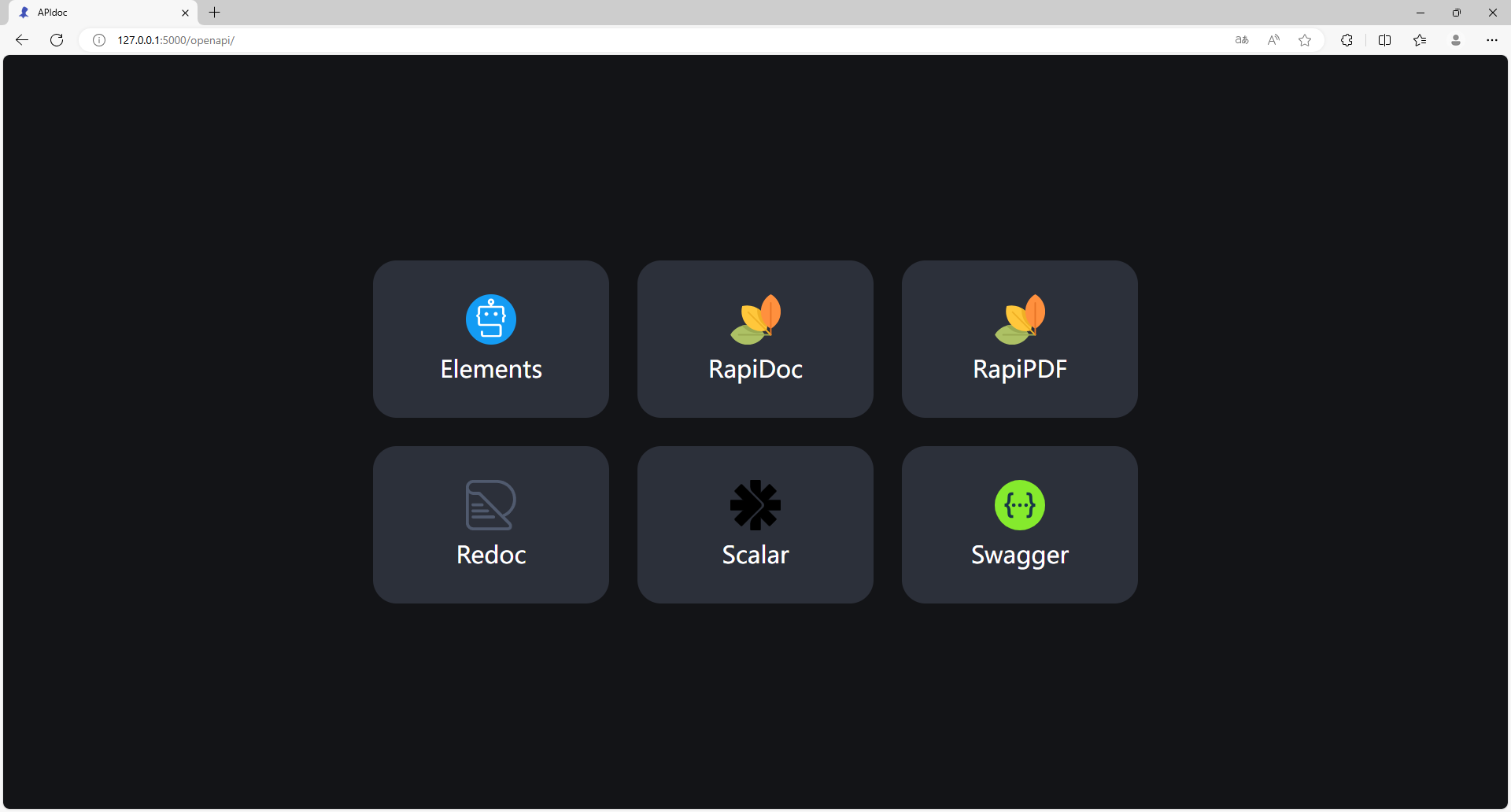
Run the simple example, and go to http://127.0.0.1:5000/openapi.
OpenAPI UI plugins are optional dependencies that require manual installation.
pip install -U flask-openapi[swagger,redoc,rapidoc,rapipdf,scalar,elements]More optional ui templates goto the document about UI_Templates.