DaDasStudios /
Todo-Chrome-Extension
A todo browser extension made with vanilla javascript and Bulma CSS
27/100 healthActive repository
JavaScriptNo license
⑂ 0 forks◯ 0 issuesUpdated Mar 17, 2023
Loading repository data…
cheshire137 / repository
A Chrome extension for navigating github.com via keyboard shortcuts. Quickly access issues for multiple repos, as well as your org's pages.
A transparent discovery signal based on current public GitHub metadata.
This score does not audit code, security, maintainers, documentation quality, or suitability. Verify the repository and its current documentation before adoption.

A Chrome extension for navigating github.com via keyboard shortcuts.
Install from the Chrome Web Store
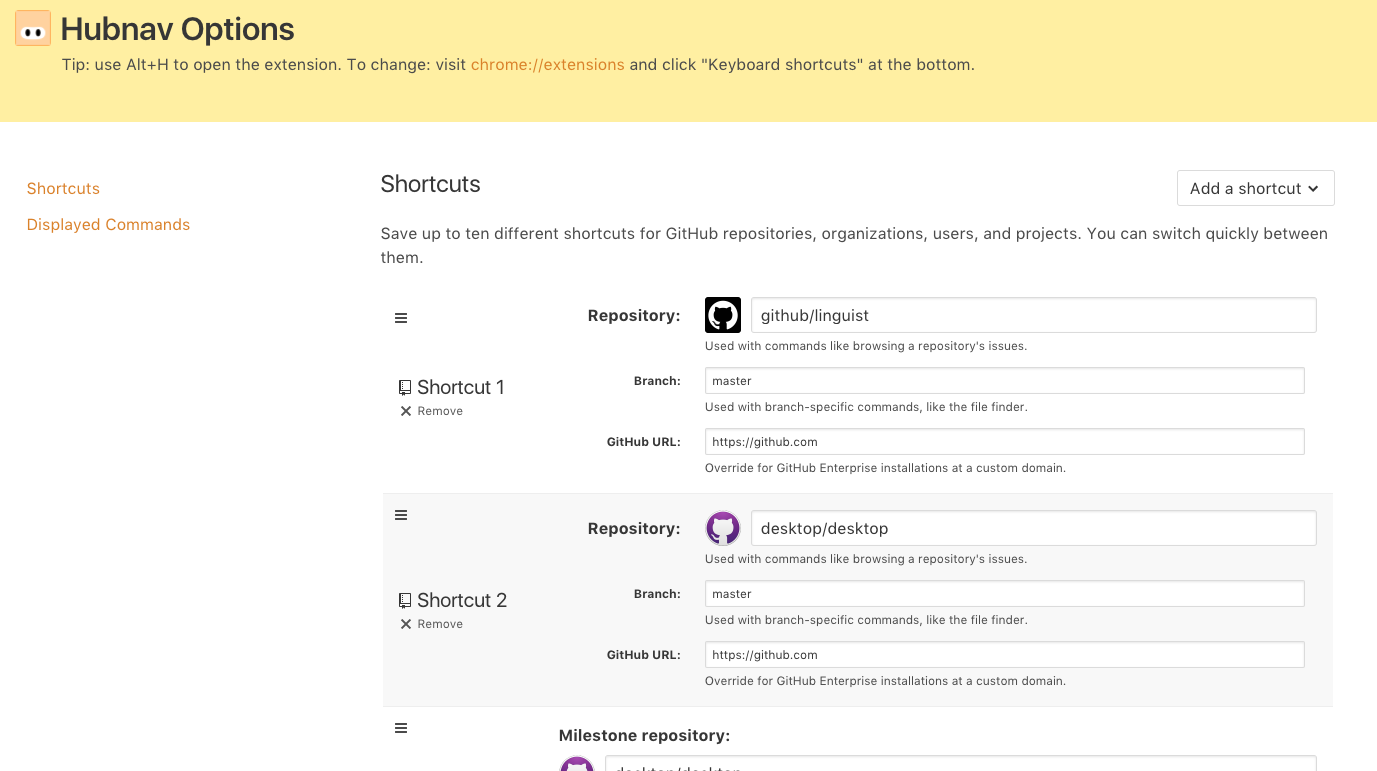
Use keyboard shortcuts to quickly access issues, pull requests, and the file finder for up to four of your most frequented GitHub repositories. Shortcuts are also available for accessing the repositories, teams, and members of your GitHub organization as well as for GitHub search.
Open the extension popup:
The keyboard shortcut can be changed from chrome://extensions/
via the "Keyboard shortcuts" link at the bottom.
Navigate to your desired GitHub page via shortcuts:
General commands:
Repository commands:
Organization commands:
Selected from shared topics, language and repository description—not editorial ratings.
DaDasStudios /
A todo browser extension made with vanilla javascript and Bulma CSS
27/100 healthUser commands:
Milestone commands:
Project commands:
Team commands:
Switch context:
Clone this repository locally via
git clone https://github.com/cheshire137/hubnav.git. In Chrome, go to
chrome://extensions/ and ensure "Developer mode" is
enabled. Then click "Load unpacked extension..." and
choose the extension/ directory from wherever you cloned this repository.
npm install
npm test