DigitalSreeni Image Annotator and Toolkit


A powerful and user-friendly tool for annotating images with polygons and rectangles, built with PyQt6. Now with additional supporting tools for comprehensive image processing and dataset management.
Support the Project
If you find this project helpful, consider supporting it:

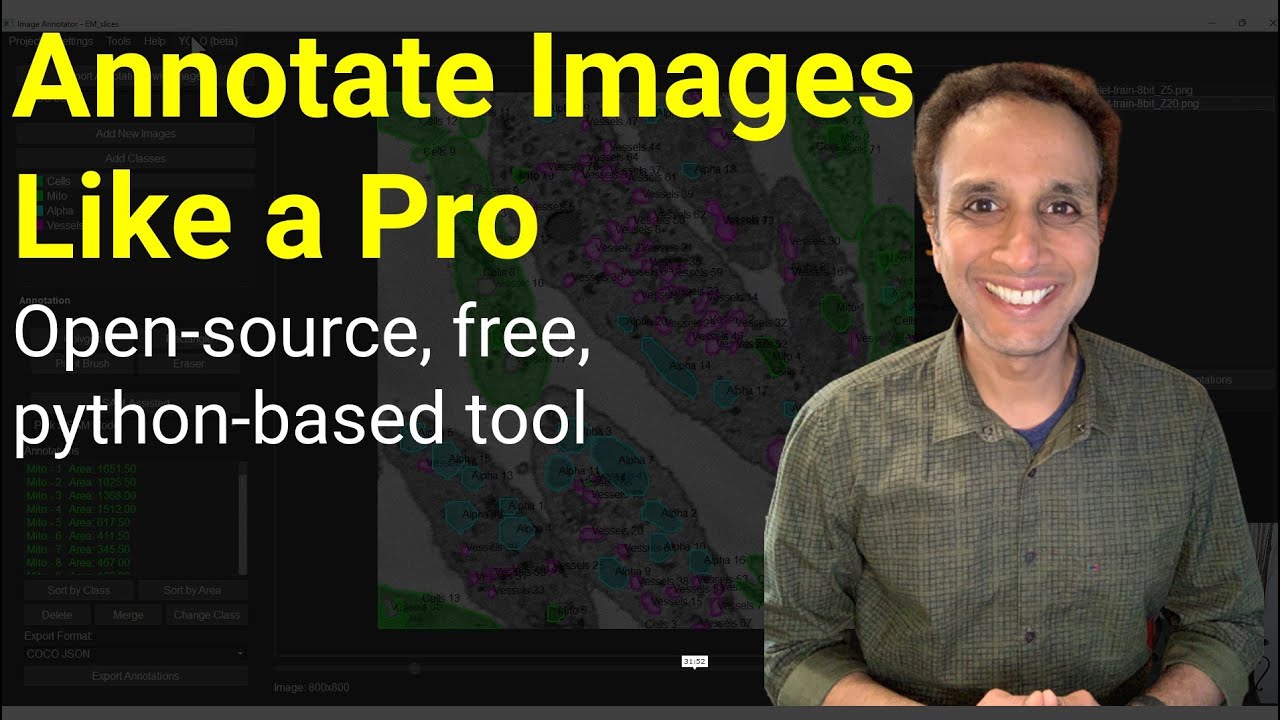
Watch the demo (of v0.8.0):
@DigitalSreeni
Dr. Sreenivas Bhattiprolu
Features
- Semi-automated annotations with SAM-2 assistance (Segment Anything Model) — Because who doesn't love a helpful AI sidekick?
- Manual annotations with polygons and rectangles — For when you want to show SAM-2 who's really in charge.
- Paint brush and Eraser tools with adjustable pen sizes (use - and = on your keyboard)
- Merge annotations - For when SAM-2's guesswork needs a little human touch.
- Save and load projects for continued work.
- Save As... and Autosave functionality.
- A secret game, for when you are bored.
- Import existing COCO JSON annotations with images.
- Export annotations to various formats (COCO JSON, YOLO v8/v11, Labeled images, Semantic labels, Pascal VOC).
- Handle multi-dimensional images (TIFF stacks and CZI files).
- Zoom and pan for detailed annotations.
- Support for multiple classes with customizable colors.
- User-friendly interface with intuitive controls.
- Change the application font size on the fly — Make your annotations as big or small as your caffeine level requires.
- Dark mode for those late-night annotation marathons — Who needs sleep when you have dark mode?
- Pick appropriate pre-trained SAM2 model for flexible and improved semi-automated annotations.
- Change the class of an annotation to a different class.
- Turn visibility of a class ON and OFF.
- YOLO (beta) training using current annotations and loading trained model to segment images.
- Area measurements for annotations displayed next to the Annotation name.
- Sort annotations by name/number or area.
- Additional supporting tools:
- Annotation statistics for current annotations
- COCO JSON combiner
- Dataset splitter
- Stack to slices converter
- Image patcher
- Image augmenter
- Project Details: View and edit project metadata, including creation date, last modified date, image information, and custom notes.
- Advanced Project Search: Search through multiple projects using complex queries with logical operators (AND, OR) and parentheses.
- Slice Registration
- Align image slices in a stack with multiple registration methods
- Support for various reference frames and transformation types
- Stack Interpolation
- Adjust Z-spacing in image stacks
- Multiple interpolation methods with memory-efficient processing
- DICOM Converter
- Convert DICOM files to TIFF format (single stack or individual slices)
- Preserve metadata and physical dimensions
- Export metadata to JSON for reference
Operating System Requirements
This application is built using PyQt6 and runs on macOS, Windows and Linux. On Linux you'll need the standard Qt 6 runtime libraries (notably libxcb-cursor0, libegl1, libgl1, and the XCB plugin set) — sudo apt install libxcb-cursor0 libegl1 libgl1 libxcb-xinerama0 libxkbcommon-x11-0 covers the common ones on Debian/Ubuntu.
Installation
Watch the installation walkthough video:
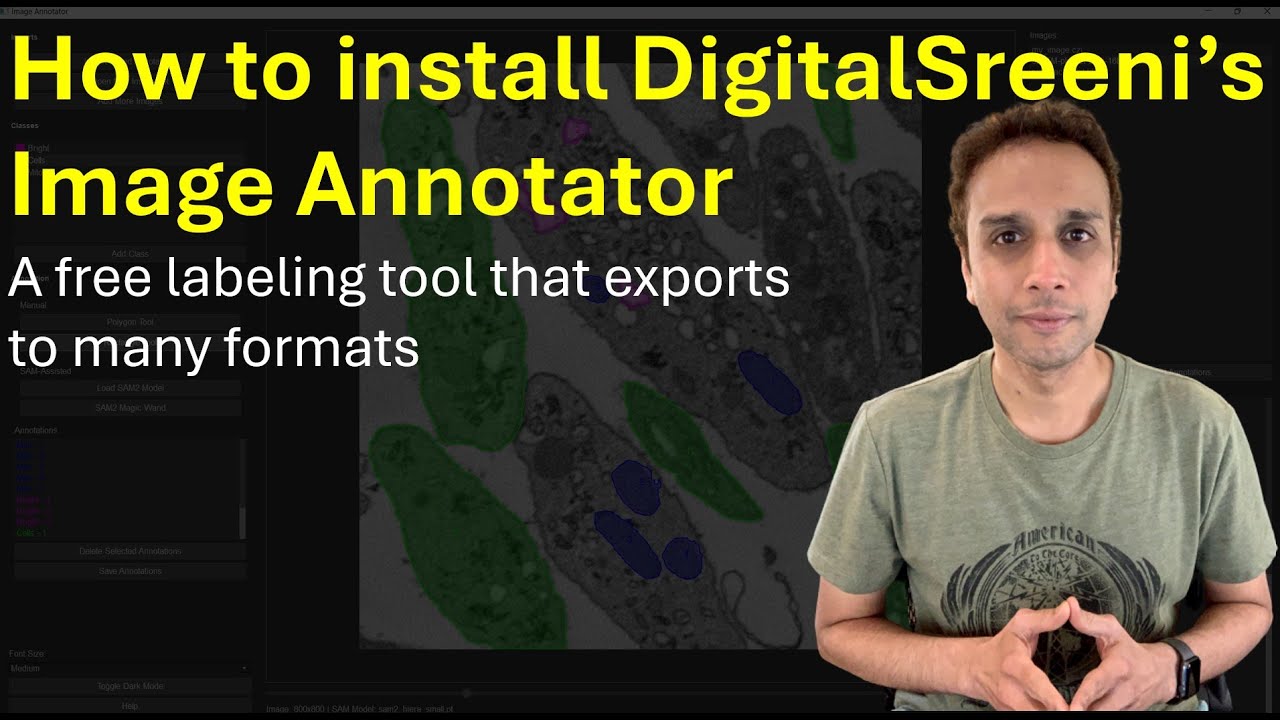
You can install the DigitalSreeni Image Annotator directly from PyPI:
pip install digitalsreeni-image-annotator
The application uses the Ultralytics library, so there's no need to separately install SAM2 or PyTorch, or download SAM2 models manually.
GPU acceleration (NVIDIA)
The PyTorch wheel installed by default from PyPI is CPU-only on Windows. If you have an NVIDIA GPU, SAM and Grounding DINO will run dramatically faster on CUDA — reinstall PyTorch from the CUDA index:
pip uninstall -y torch torchvision
pip install torch torchvision --index-url https://download.pytorch.org/whl/cu128
If cu128 errors as "no matching distribution", try cu124 instead. Verify the install picked up your GPU:
python -c "import torch; print(torch.cuda.is_available(), torch.cuda.get_device_name(0))"
You should see True and your GPU name. For other platforms or driver combinations, use the official selector at https://pytorch.org/get-started/locally/.
Older NVIDIA GPUs (Pascal / Maxwell)
PyTorch ≥ 2.8 wheels no longer include kernels for GPUs older than Volta (compute capability < 7.0), e.g. the GTX 10xx series (sm_61). On such cards the app detects the mismatch, warns once, and automatically runs inference on the CPU instead of crashing with CUDA error: no kernel image is available. To keep using the GPU, install an older PyTorch that still supports it:
pip install torch==2.4.1 torchvision==0.19.1 --index-url https://download.pytorch.org/whl/cu121
Usage
-
Run the DigitalSreeni Image Annotator application:
digitalsreeni-image-annotator
or
sreeni
or
python -m digitalsreeni_image_annotator.main
-
Using the application:
- Click "New Project" or use Ctrl+N to start a new project.
- Use "Add New Images" to import images, including TIFF stacks and CZI files.
- Add classes using the "Add Classes" button.
- Select a class and use the Polygon or Rectangle or Paint Brush tool to create manual annotations.
- To use SAM2-assisted annotation:
- Select a model from the "Pick a SAM Model" dropdown. It's recommended to use smaller models like SAM2 tiny or SAM2 small. SAM2 large is not recommended as it may crash the application on systems with limited resources.
- Note: When you select a model for the first time, the application needs to download it. This process may take a few seconds to a minute, depending on your internet connection speed. Subsequent uses of the same model will be faster as it will already be cached locally, in your working directory.
- Click the "SAM-box" button and draw a rectangle around an object of interest, or click the "SAM-points" button and left-click points inside the object (right-click adds negative points to exclude regions).
- SAM2 displays the top-scoring mask as a temporary prediction — press Enter to accept it or Esc to discard it. If the desired result isn't achieved on the first try, draw the box again or adjust the points.
- For low-quality images where SAM2 may not auto-detect objects, manual tools may be necessary.
- When SAM2 auto-detect partial objects, use polygon or paint brush tools to manually define the remaining region and use the Merge tool to combine both annotations into one.
- When SAM2 over-annotates objects, extending the annotation beyond object's boundaries, use the Eraser tool to clean up the edges.
- Both paint brush and eraser tools can be adjusted for pen size by using - or = keys on your keyboard.
- Edit existing annotations by double-clicking on them.
- Edit existing annotations using the Eraser tool. Adjust the eraser size by using - or = keys on your keyboard.
- Merge connected annotations by selecting them from the Annotations list and clicking the Merge button.
- Change the class of an annotation to a different class.
- Turn visibility of a class ON and OFF.
- Use YOLO (beta) training with current annotations and load the trained model to segment images and convert segmentations to annotations. (Currently not implemented for slices or stacks, just single images.)
Known Issues and Bug Fixes
- The application may not work correctly on Linux systems. Extensive testing has not been done yet.
- When loading a YOLO model trained on different classes compared to the loaded YAML file, the application now gives a message to the user about the mismatch instead of crashing.
- Various other bugs have been addressed to improve overall stability and performance.
Development
For development purposes, you can clone the repository and install it in editable mode:
-
Clone the repository:
git clone https://github.com/bnsr