Loading repository data…
beatwad / repository
LinkedIn-AI-Job-Applier-Ultimate
AI-powered LinkedIn and Indeed job application bot with Playwright automation, LLM integration, data anonymization, and Telegram reporting. Applies to ALL job types (not just Easy Apply), generates custom resumes, and provides skill statistics.
#ai#ai-job-matching#ai-job-search#application-resume#automation#automation-playwright
Live repository statistics
★ 130Stars
⑂ 25Forks
◯ 1Open issues
◉ 130Watchers
83/100
OPENREPOHUB HEALTH SIGNAL
Strong signals
A transparent discovery signal based on current public GitHub metadata.
Recent activity35% weight
100
Community adoption25% weight
40
Maintenance state20% weight
100
License clarity10% weight
100
Project information10% weight
75
This score does not audit code, security, maintainers, documentation quality, or suitability. Verify the repository and its current documentation before adoption.
README preview
LinkedIn AI Job Applier Ultimate



🤖 AI-powered bot that auto-applies to jobs on LinkedIn and Indeed. It parses your resume, generates tailored resumes per vacancy, answers application questions using an LLM (Gemini, OpenAI, Claude, Ollama), gathers statistics of the most important for employers skills and delivers detailed Telegram reports — fully automating your job search.
This is an active fork of the original Jobs_Applier_AI_Agent_AIHawk project, which is currently inactive. This version introduces numerous new features, bug fixes, and performance improvements.
Disclaimer
This bot uses the LinkedIn and Indeed UIs to apply for jobs. Both sites frequently change their UI, so the bot may lose some of its functionality at any time. I have no time to check this bot every day, so if you face any malfunction or have some questions about bot - feel free to open issue or contact me in Telegram chat 🚀
Please ⭐ the repository if you find it useful. This is the only thing that motivates me to continue developing the project.
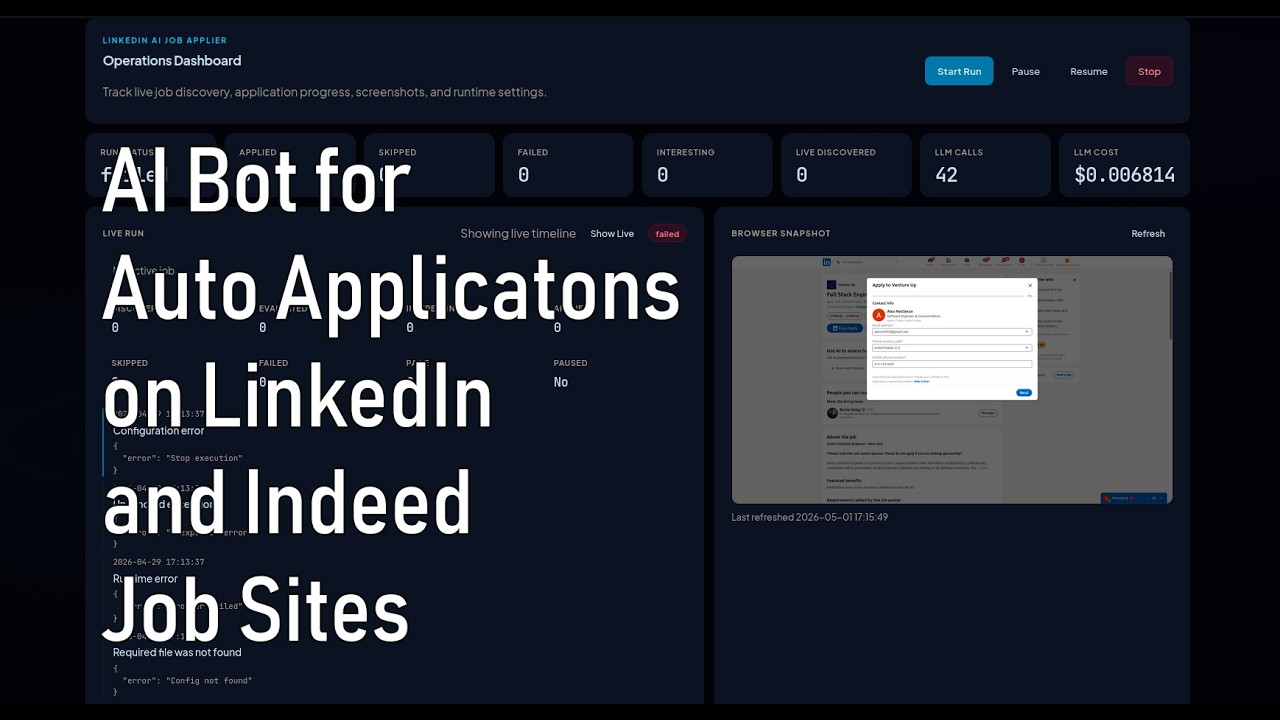
🎥 Demo
⚠️ Note on Indeed
Indeed support is functional but has important limitations compared to LinkedIn:
- Most jobs are not Easy Apply. The vast majority of Indeed listings redirect to external company websites, which the bot cannot reliably handle.
- CAPTCHAs are frequent. Indeed aggressively deploys CAPTCHAs that interrupt automated flows, even with bot-detection bypass techniques.
- Sometimes Indeed is sloooow. It can take a lot of time to apply for a job on Indeed for some users because sometimes it takes a lot of time for Indeed pages to load.
For these reasons, LinkedIn is strongly recommended over Indeed for automated job applications. Indeed support may improve in the future, but currently it is not well-suited for automation.
