A transparent discovery signal based on current public GitHub metadata.
Recent activity35% weight
100
Community adoption25% weight
31
Maintenance state20% weight
40
License clarity10% weight
100
Project information10% weight
100
This score does not audit code, security, maintainers, documentation quality, or suitability. Verify the repository and its current documentation before adoption.
README preview
AsteroAdmin
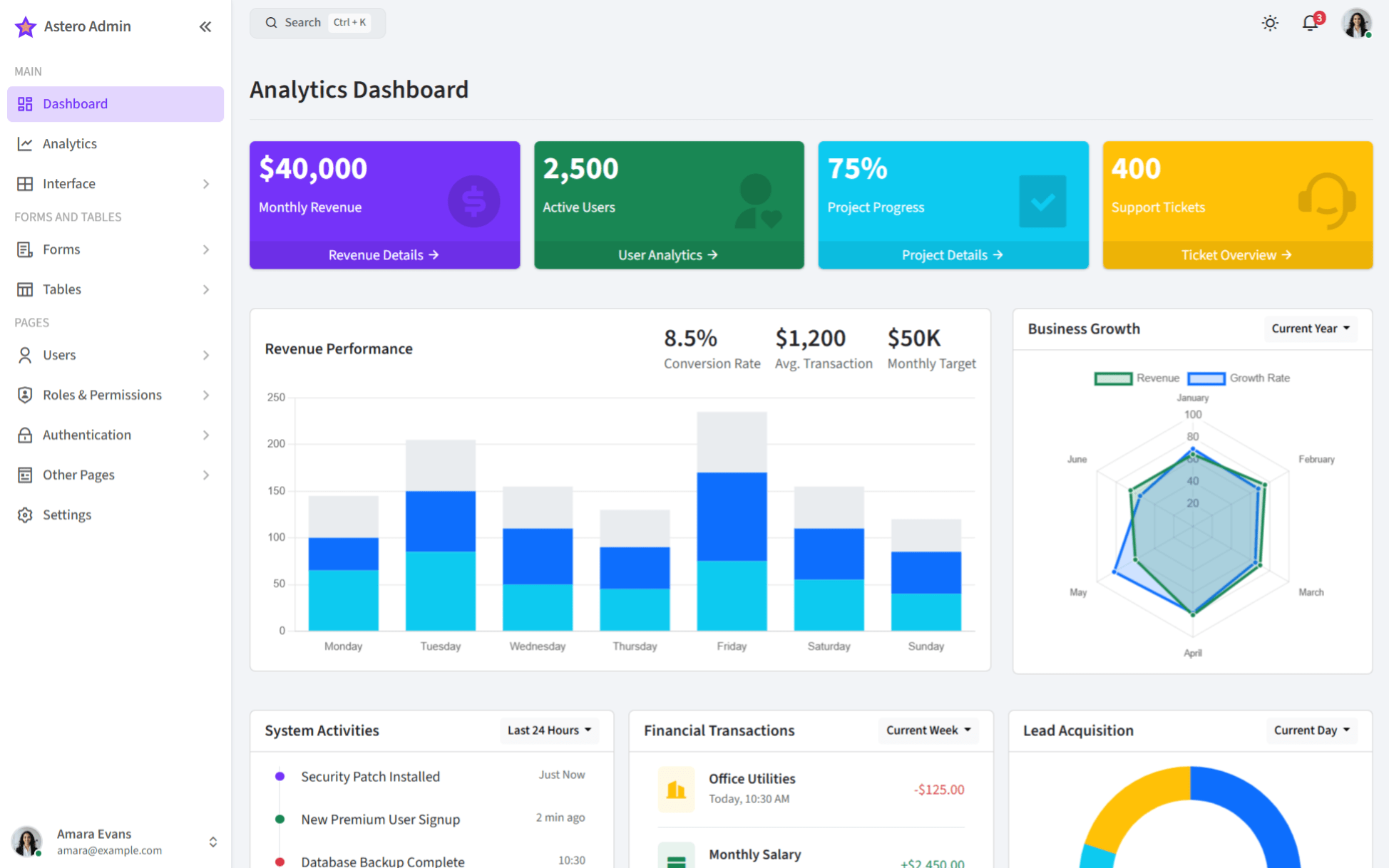
A responsive open source admin dashboard and control panel built with Bootstrap 5 and Astro.
Overview
AsteroAdmin is a modern, responsive admin template designed to provide a solid foundation for your administrative interface needs. Built with the latest web technologies and best practices, it offers a clean, intuitive, and highly customizable user experience for building powerful dashboards, admin panels, and back-office applications.
Key Features
✨ Built with Astro - Modern static site generator for performance.
🎨 Bootstrap 5.3.3 - Latest version for a clean, professional look.
📱 Fully Responsive - Works perfectly on all devices and screen sizes.
🌙 Light/Dark Mode - Switch between light and dark themes easily.
🚀 Optimized Build System - Uses ESBuild, LightningCSS, PostCSS for fast builds.
📦 Modular Architecture - Well-organized SCSS, JS, and Astro components.
🔧 Highly Customizable - Easy to adapt via SCSS variables.
📊 Dashboard Components - Charts, tables, forms, and more included.
⚡ Performance Optimized - Fast loading times and smooth interactions.
🔄 Live Reload - Instant preview during development (npm run dev).
📚 Component Examples - Clear examples for UI elements.
AsteroAdmin comes with both light and dark themes. You can customize the themes by modifying the variables in src/scss/variables/. The dark mode provides a sleek, eye-friendly experience that:
Is easier on the eyes
Improves readability
Minimizes distractions
Enhances visual appeal
Components
All UI components are modular and can be found in src/scss/components/ and src/scss/extra-components/. You can easily modify or extend these components to match your requirements.
Creating New Pages
To create a new page:
Create a new .astro file in the src/html/pages/ directory.
Use existing Astro components from src/html/components/ and layouts from src/html/layouts/.
Import necessary CSS and JS as needed.
Run npm run dev to see your changes live.
Dashboard Layouts
AsteroAdmin offers multiple dashboard layouts to suit different needs:
Analytics Dashboard - For data visualization and metrics
Compact Sidebar - Space-efficient navigation
Dark Mode - Eye-friendly interface for low-light environments
Various Components - Extensive UI element collection
Offcanvas Navbar - Modern responsive navigation
Browser Support
Chrome (latest)
Firefox (latest)
Safari (latest)
Edge (latest)
Opera (latest)
Technologies Used
Astro (^5.5.5) - Static site generator for building fast websites.
Bootstrap (^5.3.3) - Front-end component library.
Sass (Embedded) (^1.86.0) - CSS preprocessor.
ESBuild (^0.25.1) - JavaScript bundler and minifier.