FinceptTerminal GitHub Details, Stars and Alternatives | OpenRepoFinder
Fincept-Corporation / repository
FinceptTerminal
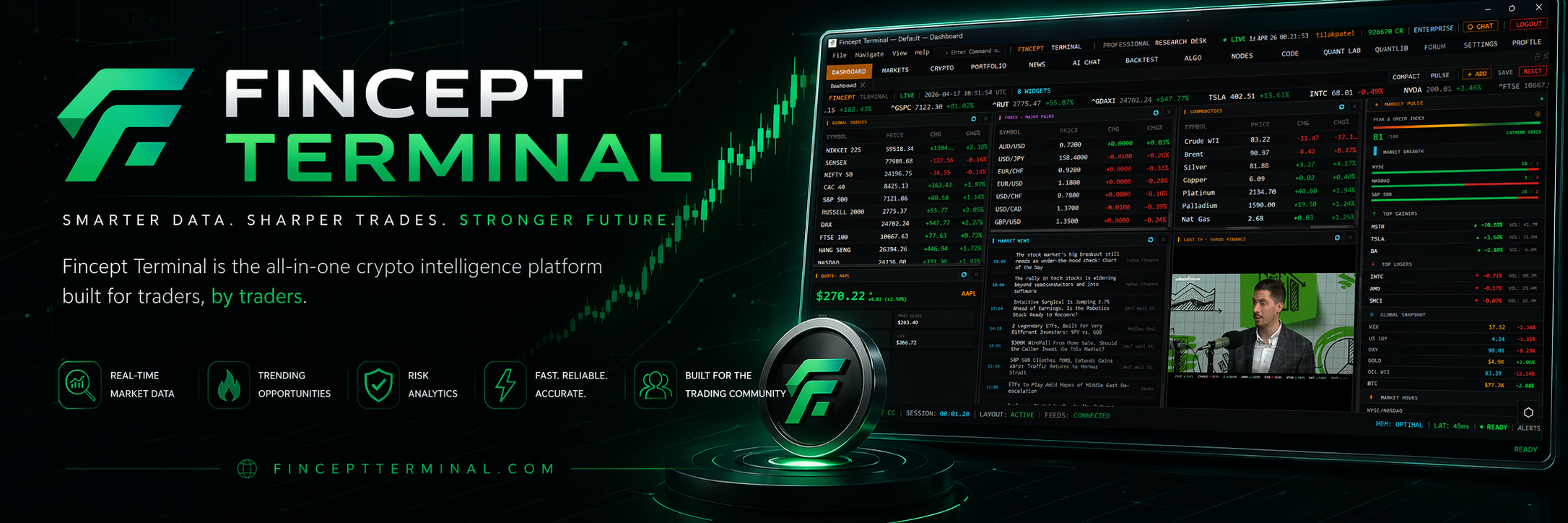
FinceptTerminal is a modern finance application offering advanced market analytics, investment research, and economic data tools, designed for interactive exploration and data-driven decision-making in a user-friendly environment.
A transparent discovery signal based on current public GitHub metadata.
Recent activity35% weight
100
Community adoption25% weight
89
Maintenance state20% weight
100
License clarity10% weight
0
Project information10% weight
100
This score does not audit code, security, maintainers, documentation quality, or suitability. Verify the repository and its current documentation before adoption.
README preview
[!IMPORTANT]
Maintenance notice — June 2026
Due to funding constraints, the public Fincept Terminal is moving to one update per month and is no longer maintained on a daily basis. The team is now focused on a subscription-based private edition of the terminal and a new project, Quantcept. This open-source repo stays public and will not be deleted.
Fincept Terminal
Your Thinking is the Only Limit. The Data Isn't.
State-of-the-art financial intelligence platform with institutional-grade financial analytics, AI automation, and unlimited data connectivity.
Fincept Terminal v4 is a pure native C++20 desktop application. It uses Qt6 for UI and rendering, embedded Python for analytics, and delivers professional terminal-class performance in a single native binary.
Features
Feature
Description
📊 Multi-Asset Analytics
DCF models, portfolio optimization, risk metrics (VaR, Sharpe), derivatives pricing across equity, fixed income, derivatives, portfolio, and alternatives via embedded Python
🤖 AI Agents
37 agents across Trader/Investor (Buffett, Graham, Lynch, Munger, Klarman, Marks…), Economic, and Geopolitics frameworks; local LLM support; multi-provider (OpenAI, Anthropic, Gemini, Groq, DeepSeek, MiniMax, OpenRouter, Ollama)
🌐 100+ Data Connectors
DBnomics, Polygon, Kraken, Yahoo Finance, FRED, IMF, World Bank, AkShare, government APIs, plus optional alternative-data overlays such as Adanos market sentiment for equity research
Clone and run the setup script — it installs all dependencies and builds the app automatically:
# Linux / macOS
git clone https://github.com/Fincept-Corporation/FinceptTerminal.git
cd FinceptTerminal
chmod +x setup.sh && ./setup.sh
The script handles: compiler check, CMake, Qt6, Python, build, and launch.
Windows: No setup script — use the manual build steps in Option 4 below. It's just two commands.
Option 3 — Docker (CI / Developer Environments)
Note: Docker is intended for CI/CD testing and development environments only.
For the best experience, use the pre-built installers in Option 1 above.
Docker requires Linux with X11. Windows and macOS are not supported.
# Build from source (Linux + X11 required)
git clone https://github.com/Fincept-Corporation/FinceptTerminal.git
cd FinceptTerminal
docker build -t fincept-terminal .
docker run --rm -e DISPLAY=$DISPLAY -v /tmp/.X11-unix:/tmp/.X11-unix fincept-terminal
Option 4 — Build from Source (Manual)
Versions are pinned. Use the exact versions below. Newer or older versions are unsupported and may fail to build or produce unstable binaries.
Linux: Qt Online Installer → Qt 6.8.3 > Desktop gcc 64-bit (install path: ~/Qt/6.8.3/gcc_64). Or for system packages, install qt6-base-dev qt6-charts-dev qt6-tools-dev qt6-base-private-dev libqt6websockets6-dev libgl1-mesa-dev — note system packages may be a different 6.x minor.
git clone https://github.com/Fincept-Corporation/FinceptTerminal.git
cd FinceptTerminal/fincept-qt
Step 1 — Configure (one-time, or after CMakeLists.txt changes):
cmake --preset win-release      # Windows (PowerShell)
cmake --preset linux-release    # Linux
cmake --preset macos-release    # macOS
Step 2 — Compile (run this for every code change):
cmake --build --preset win-release      # Windows
cmake --build --preset linux-release    # Linux
cmake --build --preset macos-release    # macOS
Older or RAM-constrained machines: add --parallel 4 (or any small number) to cap concurrent compile jobs. The default saturates every core, which can overheat older CPUs and slow the rest of your system. Example: cmake --build --preset macos-release --parallel 4.
Debug variants: replace release with debug (e.g. win-debug, linux-debug, macos-debug).
Windows prerequisite: The PowerShell profile at ~/Documents/PowerShell/Microsoft.PowerShell_profile.ps1
auto-initializes VS 2022 on every new terminal — open a fresh PowerShell and cmake works directly.
Build (manual — if presets can't resolve your Qt path)
# Windows (PowerShell)
cmake -B build/win-release -G